|
You may use this on-line service to submit your Application for Certificate of Particulars of Vehicle to the Transport Department.
This demonstration helps you understand how to use this service.
The following are basic steps to submit an Application for Certificate of Particulars of Vehicle. If you wish to know the details, please click the links. |
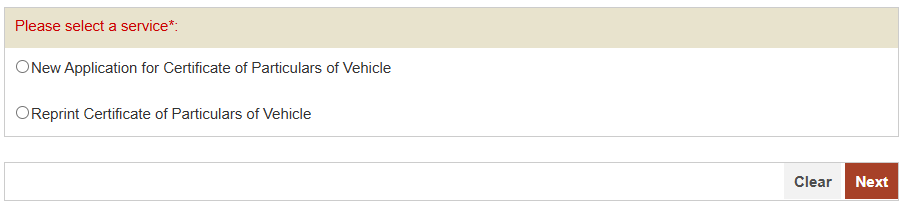
| 1. Select required service. |
On completion,
|
|
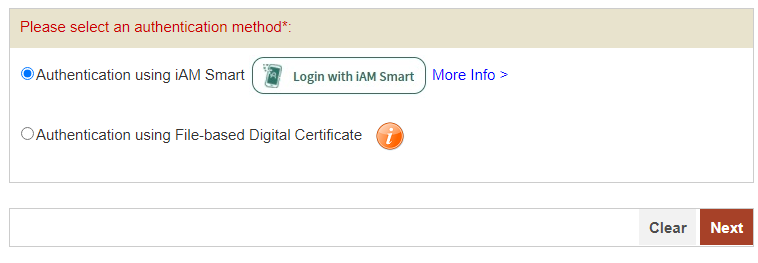
| 2. Select Authentication Method. |
On completion,
|
|
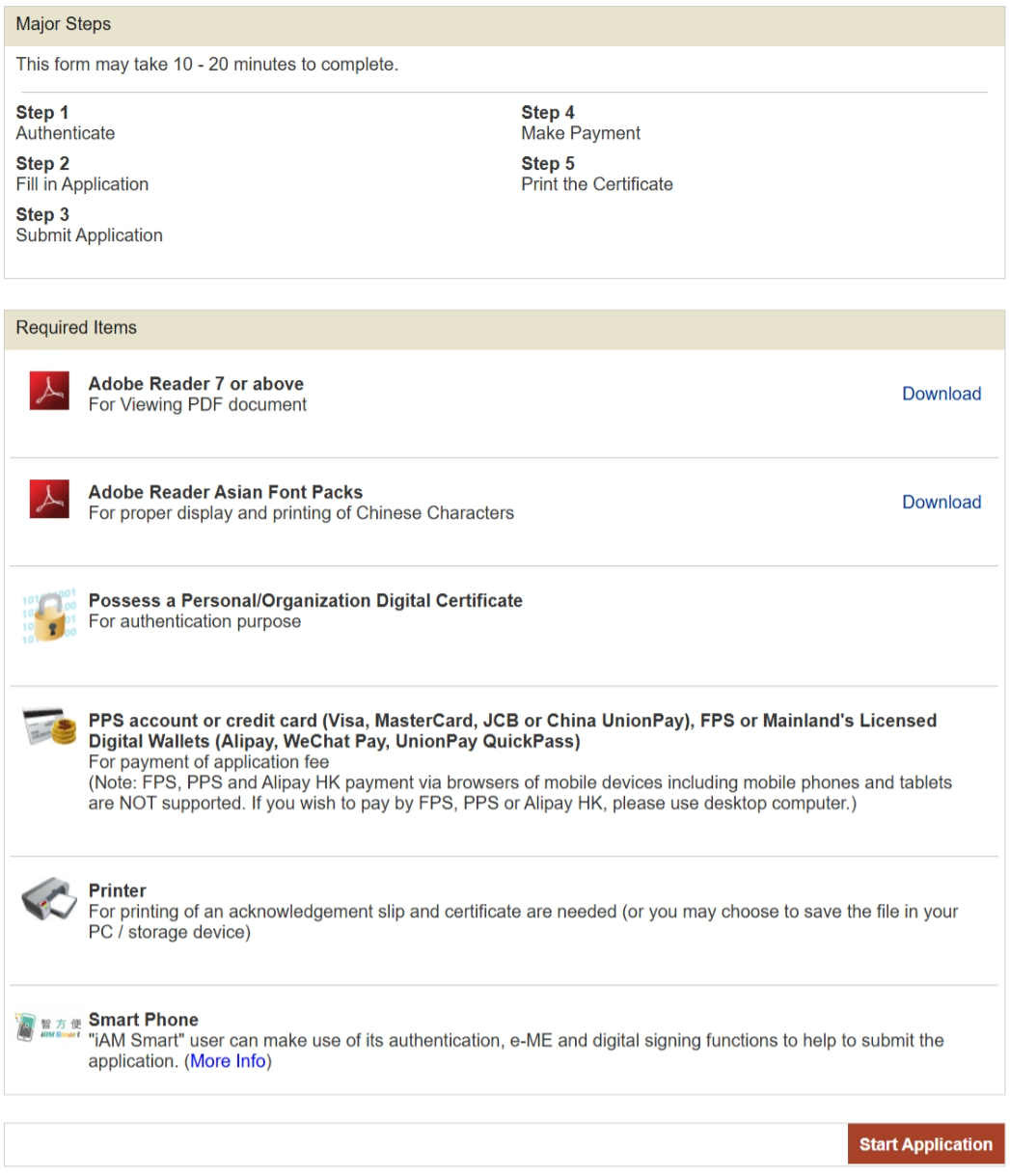
| 3. Read application terms and conditions. |
|
|
| Press the following links to view the online tutorial for each step. |
| New Application for Certificate of Particulars of Vehicle |
Step 1Authenticate |
Step 2Fill in Application Details |
Step 3Submit Application |
Step 4Make Payment |
Step 5Obtain Certificate |
| Reprint Certificate of Particulars of Vehicle |
Step 1Authenticate |
Step 2Obtain Certificate |