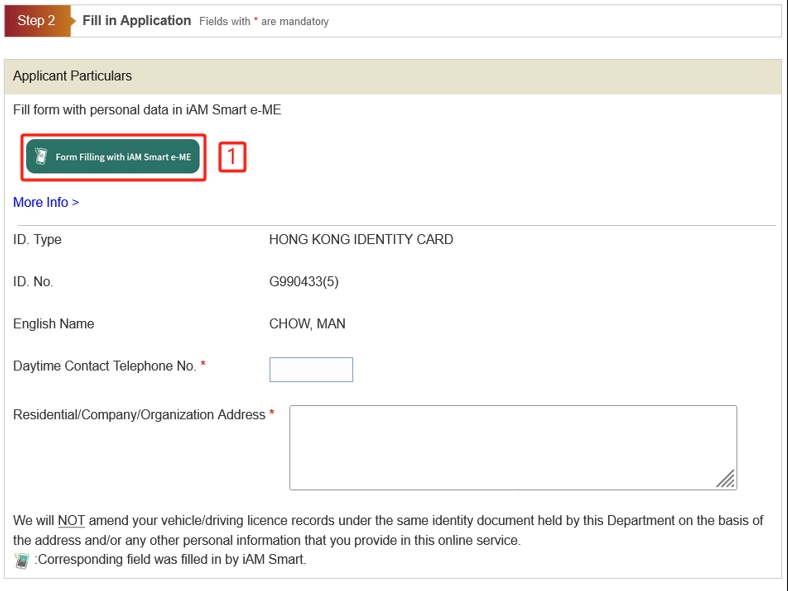
If you are using iAM Smart for authentication, please follow the following steps.
If you are using Personal Certificate for authentication, please skip to step 2-2.
1. Select "Form-Filling with iAM Smart e-ME"
Press the "Form Filling with iAM Smart e-ME" to automatically fill the form based on information provided by your iAM Smart.
2. Web page shows instruction to authorise “iAM Smart” to provide “e-ME” information.
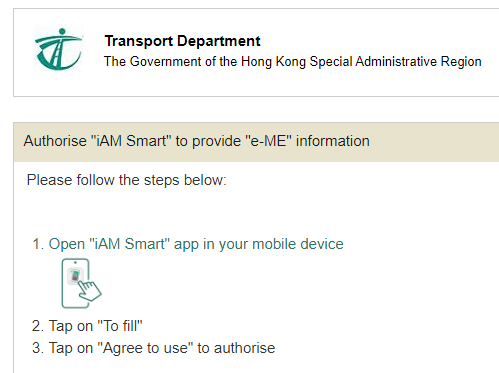
3. Open “iAM Smart” app in your mobile device.
4. Tap on “To fill”.
5. Select “Agree to use” to authorise.
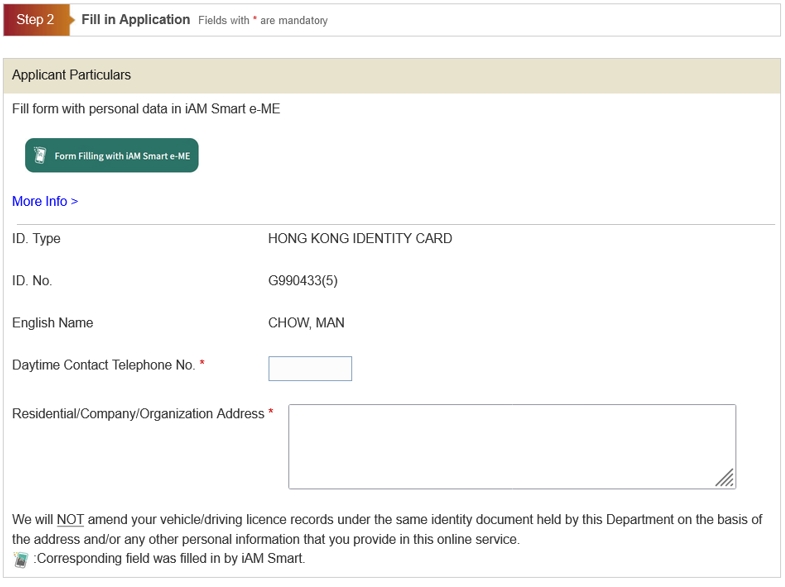
6. The e-ME profile was filled (e.g. daytime contact telephone number and email address).
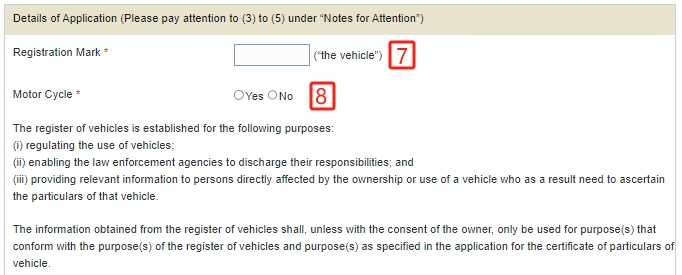
Please provide the particulars of vehicle:
7. Enter Registration Mark for the application.
8. Select vehicle class, “Motor Cycle” or not.
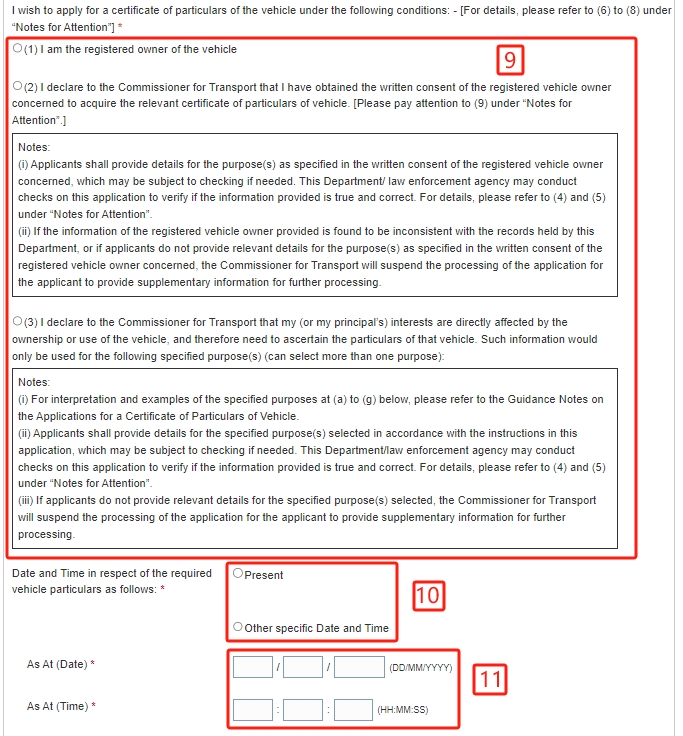
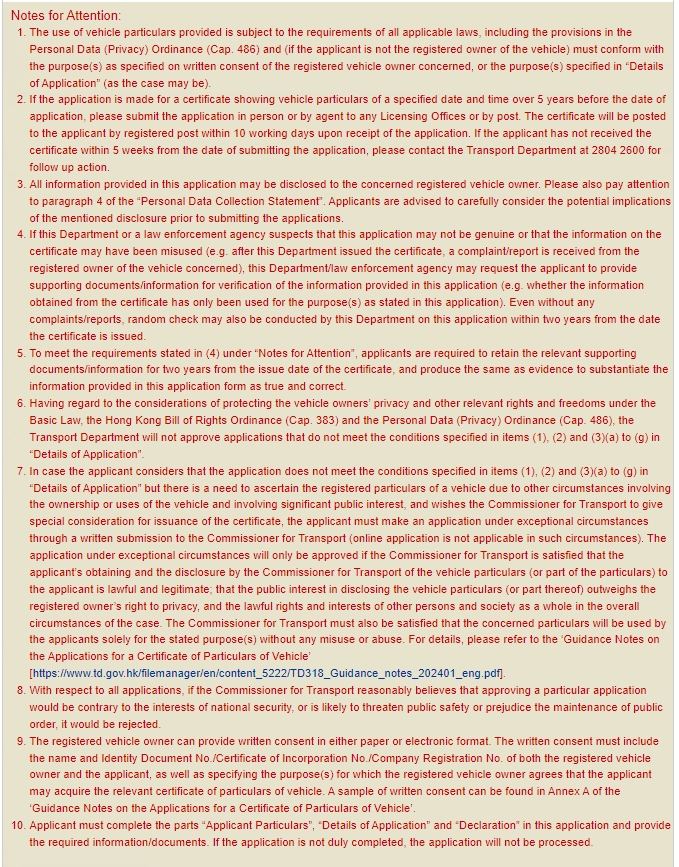
9. Select the condition under which your application is made and provide the required information/details.
10. Select "Present" or "Other specific Date and Time".
11. Enter date and time if you select "Other specific Date and Time".
On completion: