Step 4: Make Payment
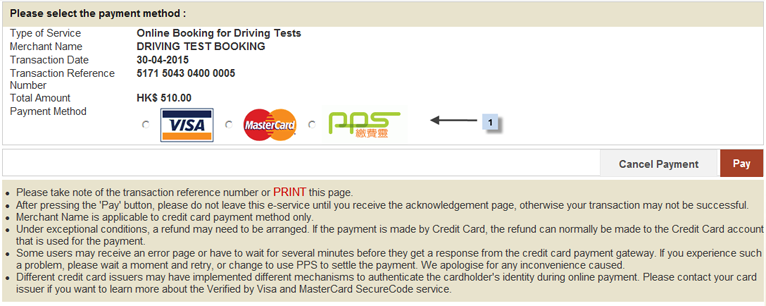
You can save a copy (by clicking the "Save" button) or print the current screen (by clicking the "Print" button) for reference.
Please follow the instructions below to make payment.
- Input the PIN code of certificate.
- Press "Sign and Continue" button to go to the next screen.
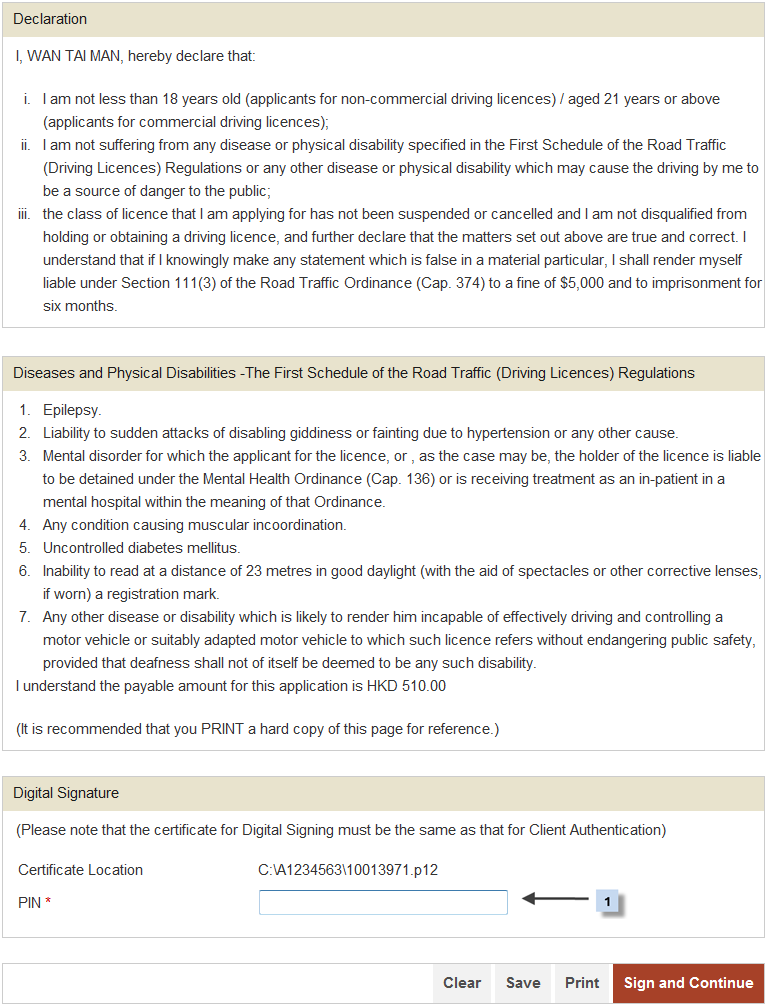
Please prepare for the payment transaction and take note of the "Transaction Reference Number" for future reference.
After completion of this screen:
- Press "Pay Now" button to process online payment. or
- Press "Save" button to save a copy. or
- Press "Print" button to print current screen.
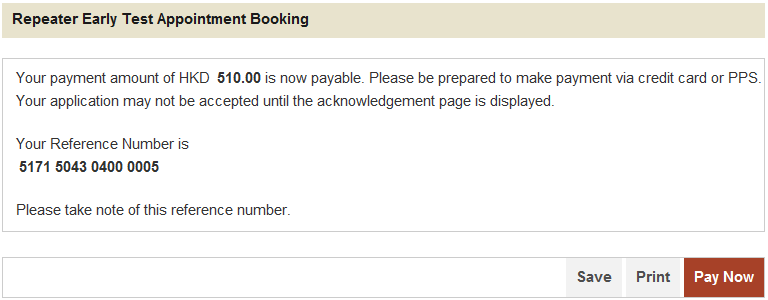
After clicking "Pay Now", the payment screen will be displayed :
- Choose one of payment method.
After completion of this screen:
- Press "Pay" button to process next step.
- Press "Cancel Payment" to cancel